Why Digital Asset Management is Perhaps the Most Important Tech Skill You Have as a Filmmaker
By ERMW Team
Thursday, July 1, 2026
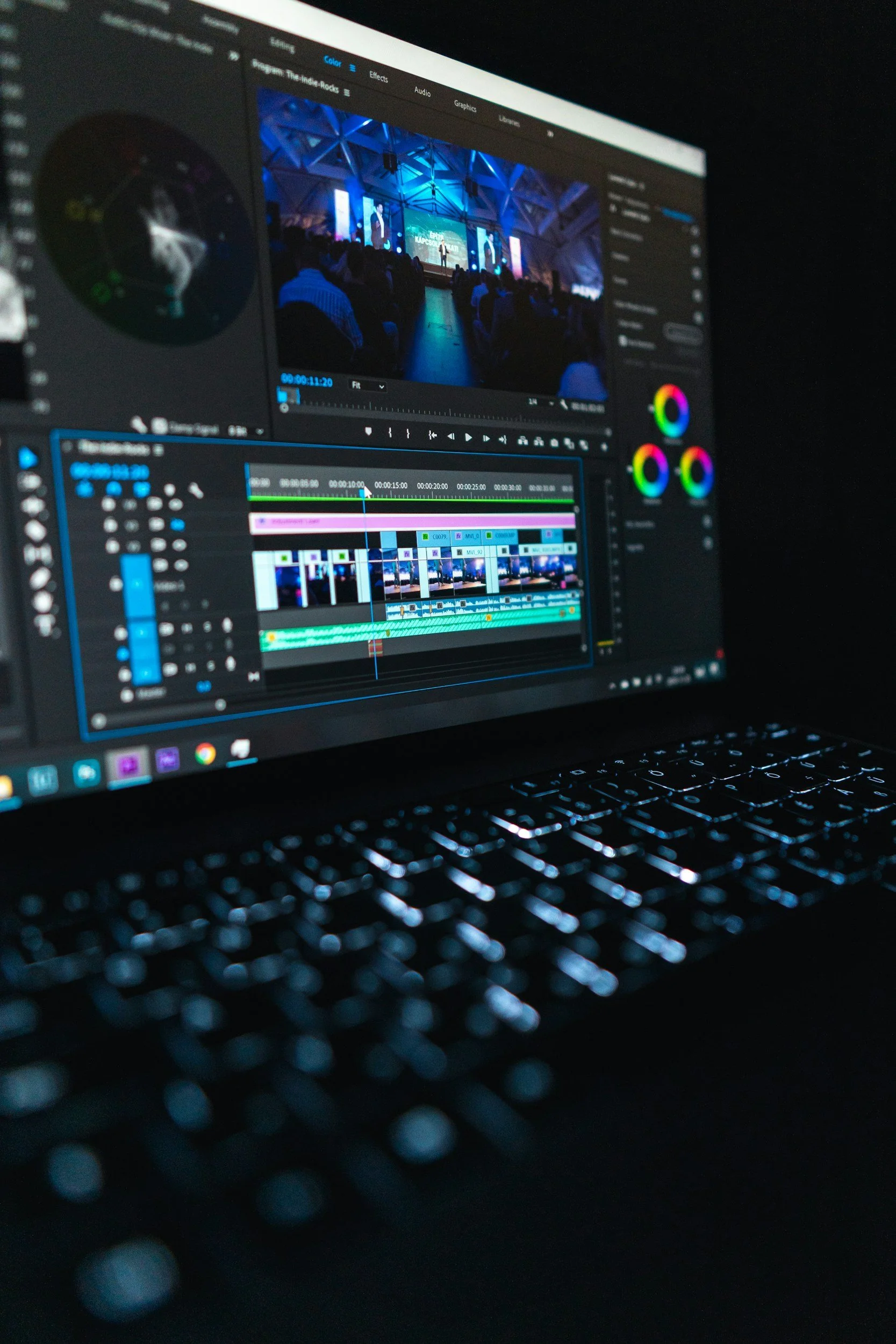
When you first step into the world of film and media production, it’s easy to get swept up in the glamour of it all. Here at El Raton Media Works, we see it all the time: students and aspiring professionals are eager to get their hands on high-end cinema cameras, dive into volumetric filmmaking, or master the color grading tools in the latest Non-Linear Editing (NLE) software like DaVinci Resolve or Premiere Pro.
But talk to any seasoned professional working on a real-world set, and they will tell you a hard truth. Knowing how to light a scene or cut a cinematic montage is useless if you lose the footage.
It’s time we shine a spotlight on the true, unsung hero of the media production industry: File Management. Mastering your digital workflows, cloud storage, and metadata isn't just "admin work" it is a critical technical skill that is just as important as knowing how to use the latest NLE software. If you want to build a sustainable career in New Mexico's booming film and TV economy, here is why you need to take file management seriously.
1. Mastering Your Digital Workflow: The Foundation of Post-Production
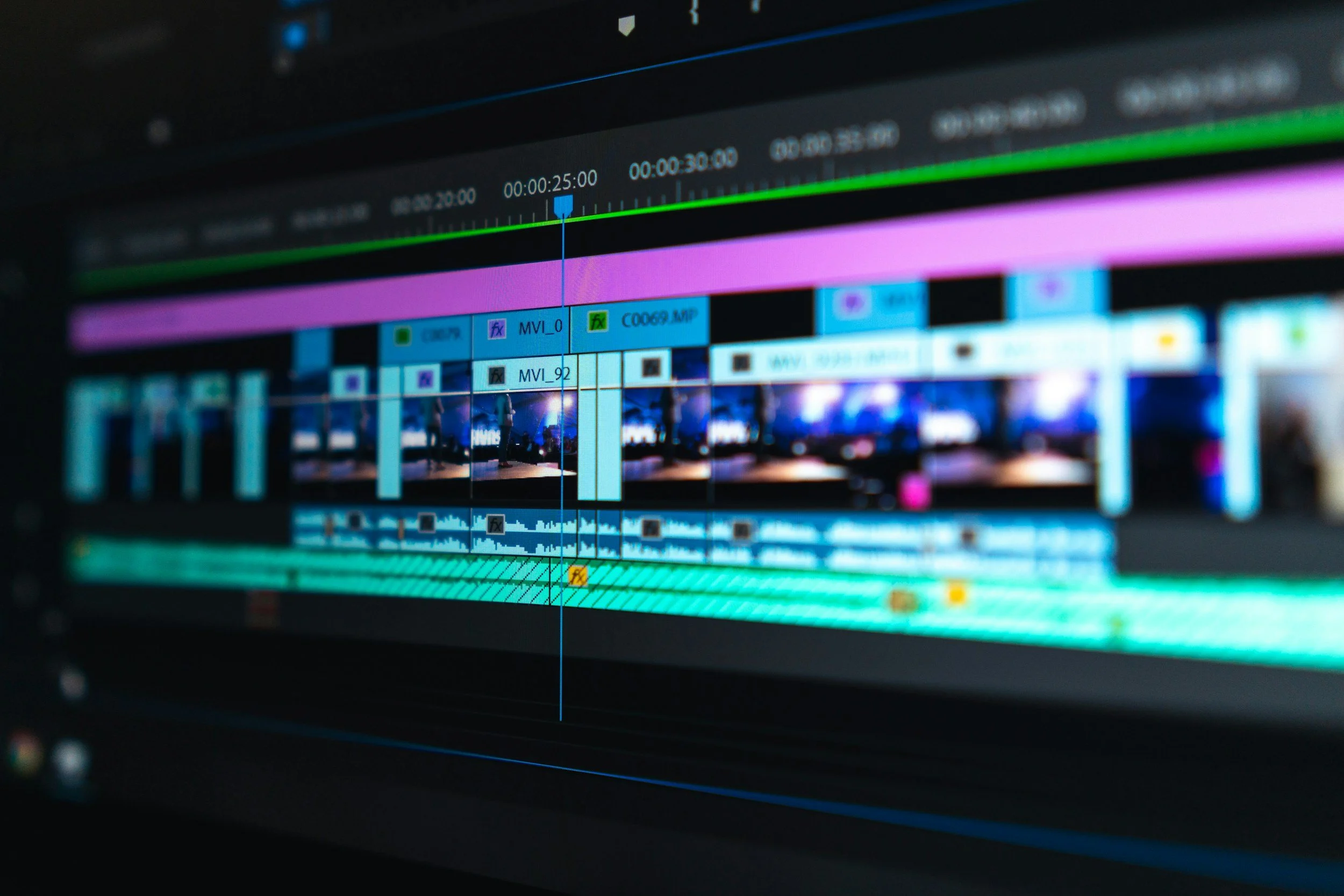
Imagine finishing a 12-hour shoot at a beautiful location here in Colfax County. You hand the drive to the editor, who opens it to find 500 clips named MVI_001 through MVI_500, scattered loosely next to three random audio files and a graphic titled Final_Final_v3.
Chaos is the enemy of creativity. A professional digital workflow starts before you even open your editing software. It requires a rigid, standardized folder structure. Every project should look identical at the finder/explorer level: separate, clearly labeled folders for Footage, Audio, Graphics, Project Files, and Exports.
When your workflow is standardized, collaboration becomes seamless. If an editor gets sick and you have to take over, you shouldn’t have to play detective to find the right audio sync. A mastery of workflow means the transition is frictionless.
2. Cloud Storage and the 3-2-1 Rule: Your Ultimate Safety Net
Hard drives crash. Laptops get dropped. Coffee gets spilled. If your only copy of a project lives on a single external drive, you are one accident away from losing thousands of dollars and weeks of hard work.
Professionals live by the 3-2-1 Rule of Backups:
3 copies of your data.
2 different types of storage media (e.g., your working drive and a secondary backup drive).
1 copy stored offsite (usually in the cloud).
Cloud storage isn't just a backup; it’s a modern production hub. Whether you're sending proxies to an editor in Albuquerque, sharing a rough cut with a director in Los Angeles, or syncing project files across a team, understanding how to leverage cloud workflows (like Frame.io, Google Drive, or Dropbox) is non-negotiable in today’s remote-friendly landscape.
3. Metadata: The "Magic Tags" That Save You Hours
Metadata is quite literally "data about data," and it is the secret weapon of efficient editors and assistant editors.
When you import footage into your NLE, you have the opportunity to log it. This means tagging clips with metadata like the scene number, take number, camera angle, frame rate, and descriptive keywords.
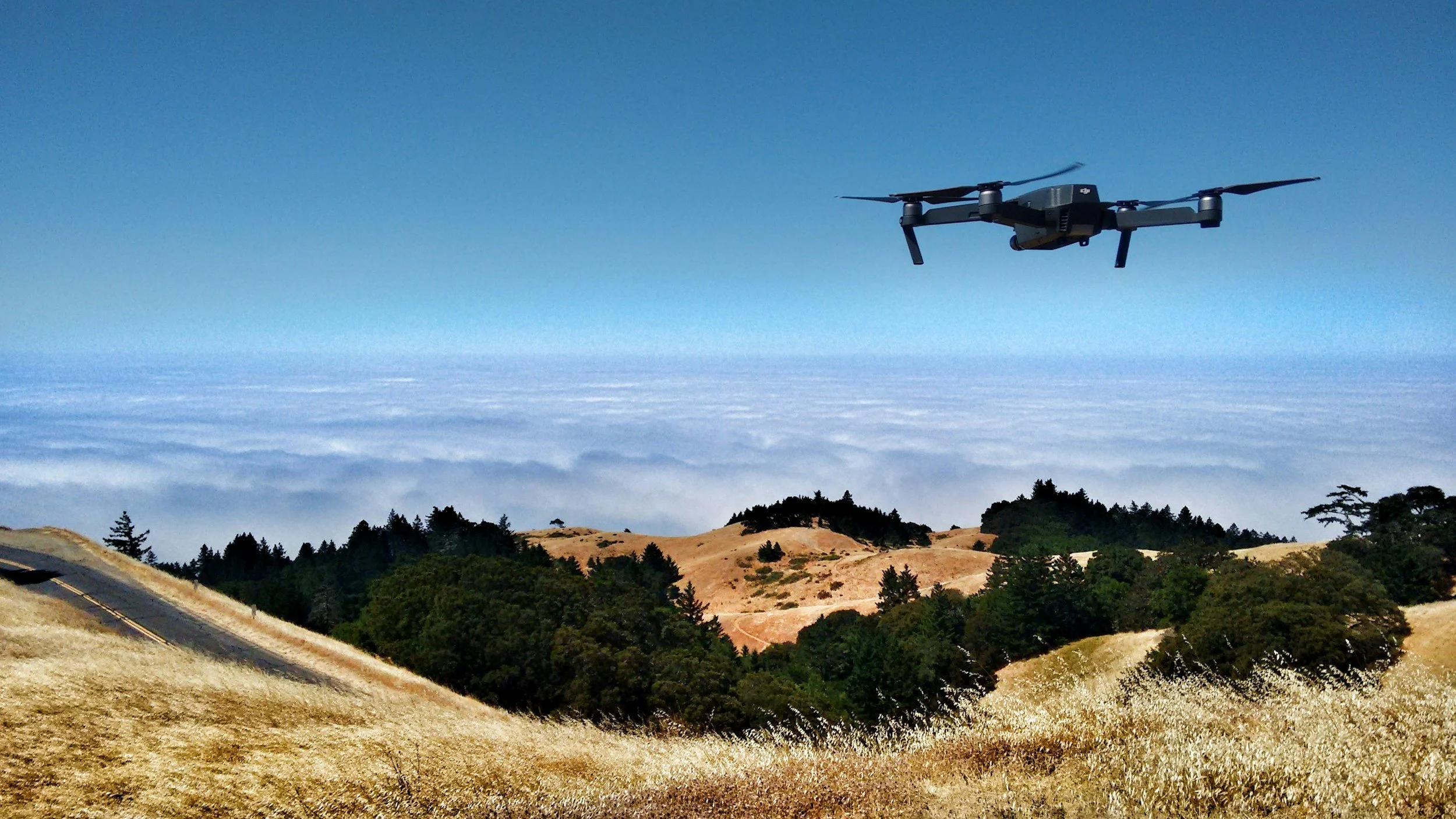
Why does this matter? Let’s say a year from now, you’re working on a documentary and need that one specific wide-angle drone shot of the Raton sign at sunset. If you relied solely on the camera’s default file names, you’d be scrubbing through hours of raw footage. But if you logged your metadata properly, all you have to do is type “Drone, Raton Sign, Sunset” into your search bar, and the exact clip appears instantly. Metadata transforms your raw footage from a messy junk drawer into a highly organized, searchable database.
The Bottom Line
File management might not win you an Oscar, but poor file management can absolutely cost you a job. At El Raton Media Works, our goal is to empower Northern New Mexico's workforce with the complete spectrum of skills needed to thrive in the modern media landscape.
The next time you boot up your computer to start a new project, don't rush straight to the timeline. Take ten minutes to set up your folders, back up your raw assets, and log your metadata. Your your entire production team will thank you.
Want to learn more about the technical and creative skills driving the modern film industry? Check out our programs, workshops, and workforce development opportunities.