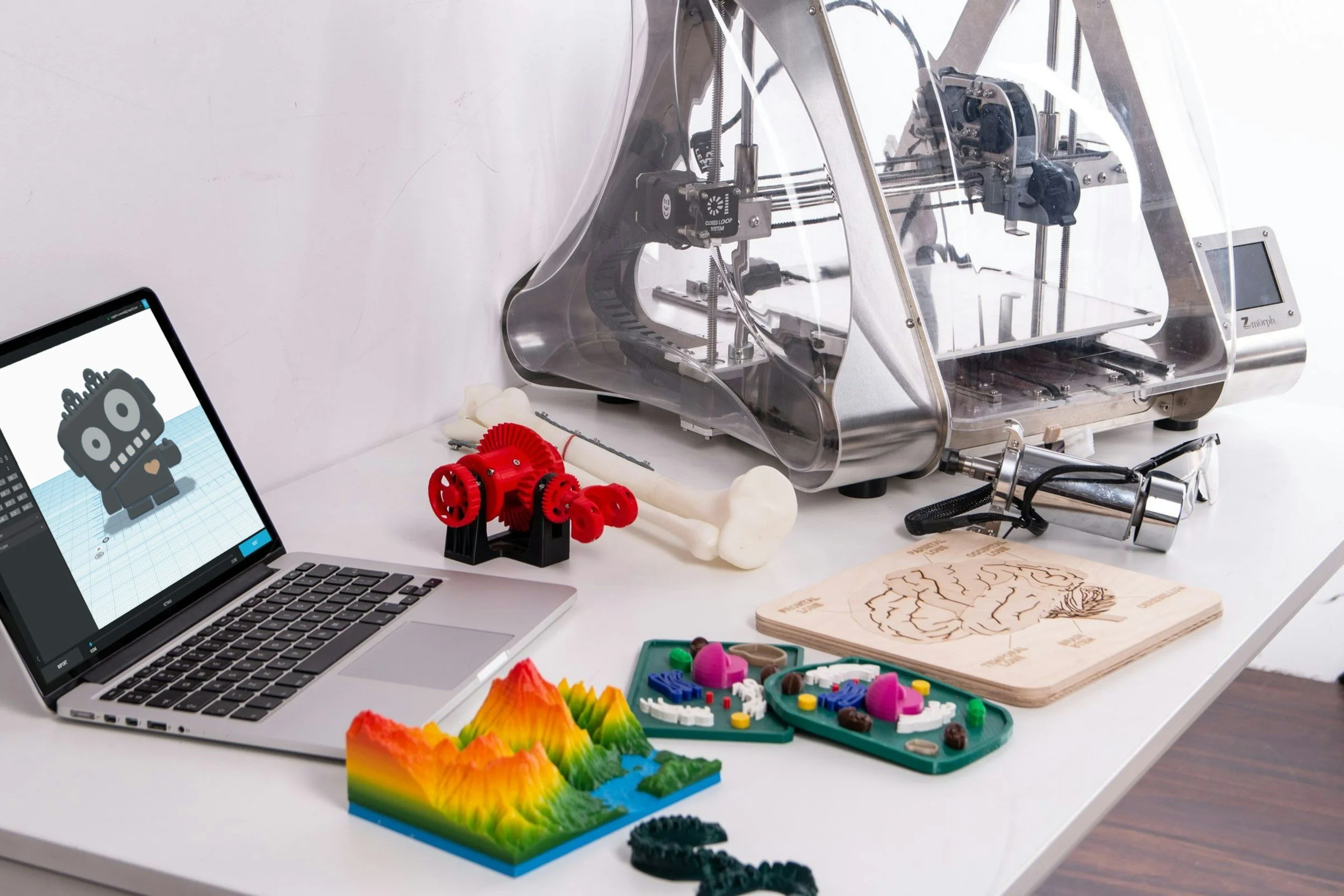
50 Helpful Tech Tools for Seniors
By ERMW Team
Thursday, June 24, 2026
Technology isn't just about the newest flashy gadge, it’s about independence, safety, and staying connected to the people you love. Whether you are outfitting your own home or setting up a support system for an aging parent, modern tech has evolved to be far more intuitive, blending seamlessly into everyday life without requiring you to be an IT expert.
Here is a comprehensive guide to 50 helpful tech tools, devices, and services for seniors, categorized by how they improve daily living.
Health and Medical Monitoring
Smartwatches with Fall Detection: Devices like the Apple Watch or Garmin can automatically detect a hard fall and dial emergency services if you are unresponsive.
Automatic Medication Dispensers: Smart dispensers (like Hero or MedMinder) lock doses until the exact right time, distribute the pills, and alert caregivers if a dose is missed.
Personal Emergency Response Pendants: Simple, one-button wearable devices (like Lifeline HomeSafe) that connect directly to a 24/7 response center without needing to navigate a touchscreen.
Bluetooth Blood Pressure Monitors: Cuffs that automatically sync your daily readings to a smartphone app, making it easy to share an accurate history with your doctor.
Smart Weight Scales: Wi-Fi-enabled scales that track weight and BMI trends over time and share the data seamlessly with your health apps.
Telehealth Platforms: Secure apps that allow for remote doctor visits via smartphone or tablet, eliminating the need to commute or sit in waiting rooms for routine checkups.
Pulse Oximeters: Small, clip-on finger devices to quickly check blood oxygen levels and heart rate at home.
Wearable Sleep Trackers: Rings or bracelets (like the Oura Ring) that monitor sleep stages, heart rate variability, and overall recovery to help you understand your resting health.
Bluetooth Hearing Aids: Modern hearing aids that connect directly to your TV or smartphone, functioning as personalized, invisible wireless earbuds for phone calls and movies.
Hydration Tracking Bottles: Smart water bottles (like Water.io) that track your daily fluid intake and glow to remind you when it's time to take a drink.

Smart Home and Safety
Voice-Activated Assistants: Devices like Amazon Echo or Google Nest allow you to make calls, check the weather, or control your house using just your voice.
Video Doorbells: Devices like Ring or Google Nest let you see and speak to whoever is at your front door from your smartphone or tablet, deterring scams and unwanted intrusions.
Motion-Sensor Path Lighting: Lights that automatically illuminate hallways, bathrooms, and stairwells at night to prevent tripping hazards.
Smart Thermostats: Thermostats like the Google Nest that learn your schedule, can be controlled via voice, and maintain safe indoor temperatures remotely.
Smart Plugs: Plugs that let you control lamps or turn off potentially dangerous appliances (like irons or space heaters) directly from your phone.
Automatic Water Leak Detectors: Sensors (like Flo by Moen) placed near washing machines or pipes that alert you — or automatically shut off the water — if a leak is detected.
Touchless Faucets: Motion-sensor sink fixtures that turn on with a wave of your hand, preventing the spread of germs and making life easier for those with arthritis.
Smart Door Locks: Bluetooth or Wi-Fi deadbolts that automatically lock behind you and can be opened with a keypad code, phone, or fingerprint — no physical key fumbling required.
Smart Stovetop Shut-Off Devices: Sensors like Stove Guard that automatically kill the heat if unattended cooking or a forgotten burner is detected.
Connected Smoke & Carbon Monoxide Alarms: Devices that send immediate alerts to your phone (or a family member's phone) if smoke or gas is detected while you are away.
Communication and Connection
Simplified Tablets: Devices like the GrandPad are designed specifically for seniors, featuring large buttons, no complicated menus, and built-in secure video calling.
Digital Photo Frames: Wi-Fi frames (like Aura or Skylight) where family members can email or upload new photos directly to your living room from anywhere in the world.
Video Calling Smart Displays: Screen-enabled smart speakers (like the Echo Show) that allow for hands-free video calls with family.
Amplified Captioned Telephones: Phones (like CaptionCall) that boost volume and provide real-time, easy-to-read text captions of the conversation for those with hearing loss.
Voice-to-Text Apps: Tools that instantly transcribe spoken words into large text on a screen, perfect for managing conversations in noisy environments.
Caregiver Coordination Apps: Apps that let family members share calendars, medication schedules, and medical notes in one centralized, private digital space.
Life Story Recording Services: Platforms like Storyworth or Remento that prompt you with weekly questions via email or audio and eventually compile your answers into a keepsake hardcover book.
Simplified Cell Phones: Phones like the Jitterbug offer large screens, simple list-based menus, and dedicated emergency buttons without the clutter of a standard smartphone.
Anti-Spam Call Blockers: Services like RoboKiller or built-in carrier tools that intercept known scam calls before the phone even rings, protecting against fraud.
Shared Family Calendars: Digital calendars (like Apple or Google Calendar) synced across family devices to ensure everyone knows about upcoming appointments or visits.
Everyday Convenience and Accessibility
Robot Vacuums: Automated cleaners (like Roomba or AirRobo) that handle daily floor maintenance without the need to push heavy equipment.
Bluetooth Item Trackers: Small tags (like Apple AirTags or Tile) that attach to keys, wallets, or the TV remote, allowing you to locate them by playing a loud sound via your phone.
Self-Heating Mugs: Temperature-controlled mugs (like Ember) that keep your coffee or tea perfectly hot for hours.
Electric Jar Openers: Countertop gadgets that break vacuum seals and unscrew tight, stubborn lids with the push of a single button.
Smart Refrigerators: Fridges equipped with internal cameras so you or a caregiver can check your grocery inventory via an app while standing in the store.
Voice-Controlled TV Remotes: Remotes provided by most major cable and streaming services that let you search for shows or adjust the volume by simply speaking into them.
Smartphone Magnifier Apps: Built-in phone tools (found on iOS and Android) that use your camera to zoom in on small restaurant menus, pill bottle labels, or fine print.
Grocery Delivery Apps: Services like Instacart or Walmart+ that bring fresh groceries and household essentials directly to your door.
Senior Ride-Sharing Services: Platforms like GoGoGrandparent that allow seniors to order an Uber or Lyft using a standard flip phone or landline without needing to navigate a smartphone app.
Electric Food Warming Mats: Portable, foldable heating mats that keep multiple dishes warm safely during meals.

Entertainment, Learning, and Cognitive Health
Adjustable E-Readers: Devices like the Kindle Paperwhite let you instantly increase the font size and adjust screen brightness to reduce eye strain while reading.
Audiobook Subscriptions: Apps like Audible that allow you to listen to books being read aloud by professional voice actors, perfect for those with vision loss or who like to "read" while walking.
Brain-Training Apps: Games like Lumosity or Elevate designed by neuroscientists to challenge memory, attention, and problem-solving skills in short daily bursts.
Wireless TV Headphones: Comfortable headsets that connect directly to your television so you can turn up the volume as high as you need without deafening anyone else in the room.
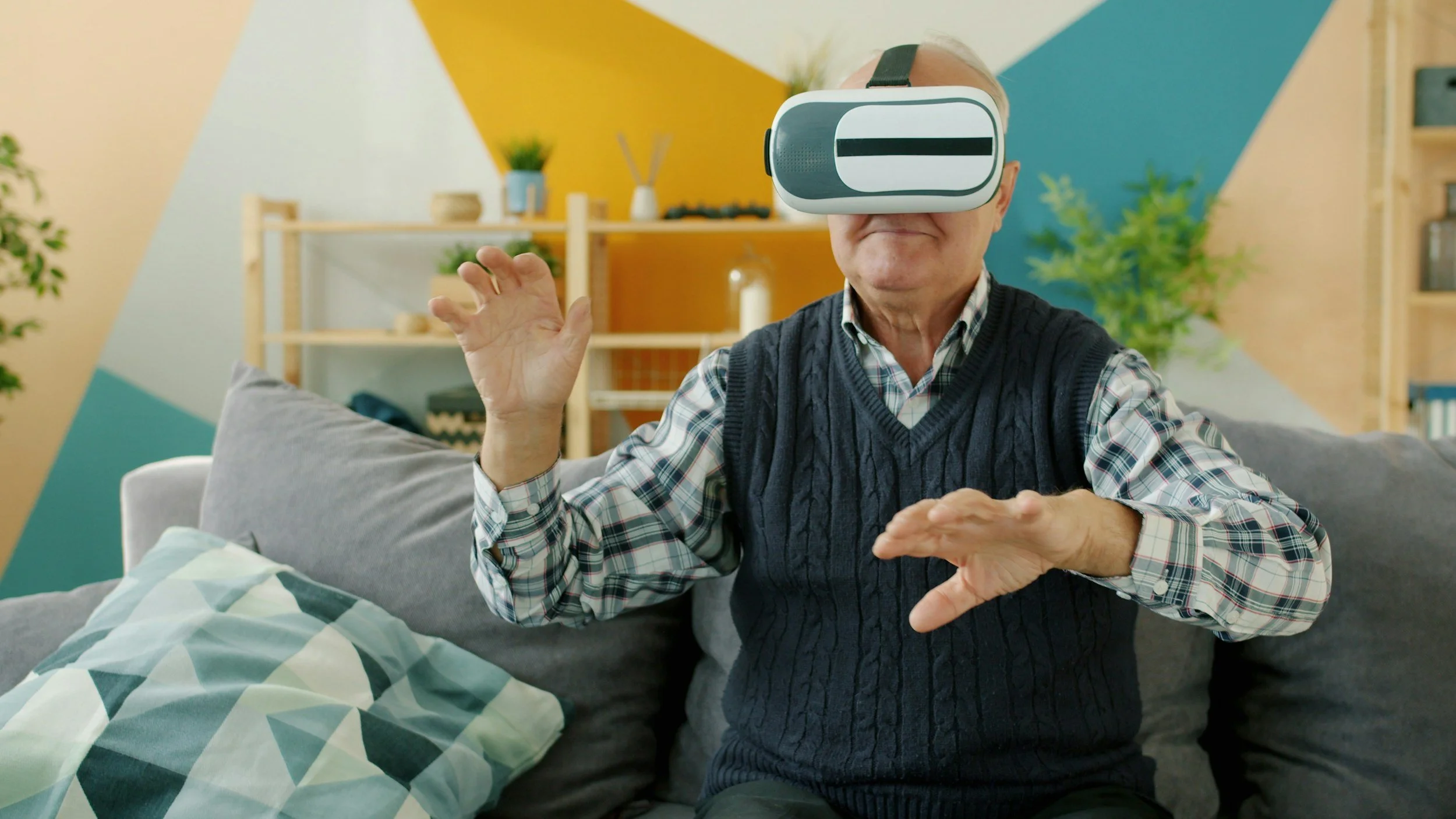
Virtual Reality Headsets: Devices that offer immersive, 360-degree virtual travel experiences, allowing you to "visit" historical sites and national parks from your armchair.
Online Learning Communities: Platforms like Senior Planet from AARP that offer excellent free online tech tutorials, fitness classes, and social groups tailored to older adults.
Adaptive Gaming Controllers: Redesigned video game controllers (like the Xbox Adaptive Controller) built with large pads and customizable buttons for individuals with limited mobility or dexterity.
Digital Music Streaming: Services like Spotify or Apple Music that give you instant access to virtually every song, album, or radio show from any era.
White Noise Sleep Machines: Devices that play soothing ambient sounds (like rain, fans, or ocean waves) to mask disruptive background noise for a deeper night's sleep.
Robotic Companion Pets: Lifelike, interactive robotic cats and dogs (like those from Joy For All) that purr, bark, and respond to touch, providing emotional comfort and engagement without the physical or financial demands of real pet care.
Community Spotlight: Bridging the Digital Divide Locally
While global apps and smart devices are fantastic, they are only as useful as a person's comfort level in operating them. Local community initiatives provide some of the most critical, hands-on support for seniors adopting new technology.
A prime example is the recent initiative by El Raton Media Works, which received an AARP Community Challenge grant to produce a specialized 10-part tech training video series. Designed specifically for seniors at Miners' Colfax Medical Center (MCMC), this custom series breaks down essential modern skills — like how to execute secure video calling with family and how to navigate digital security to prevent scams. By providing clear, structural learning tailored to their specific community, programs like this ensure seniors aren't just given technology, but are actually empowered to use it safely and confidently.
Helpful Resources for Further Exploration
If you want to dig deeper into adopting these technologies safely, the following organizations offer excellent, thoroughly vetted guidance: