Password Perfection: Beyond '123456' – Crafting Strong, Memorable Passwords in the Digital Age
By ERMW Team
Thursday, October 23, 2025
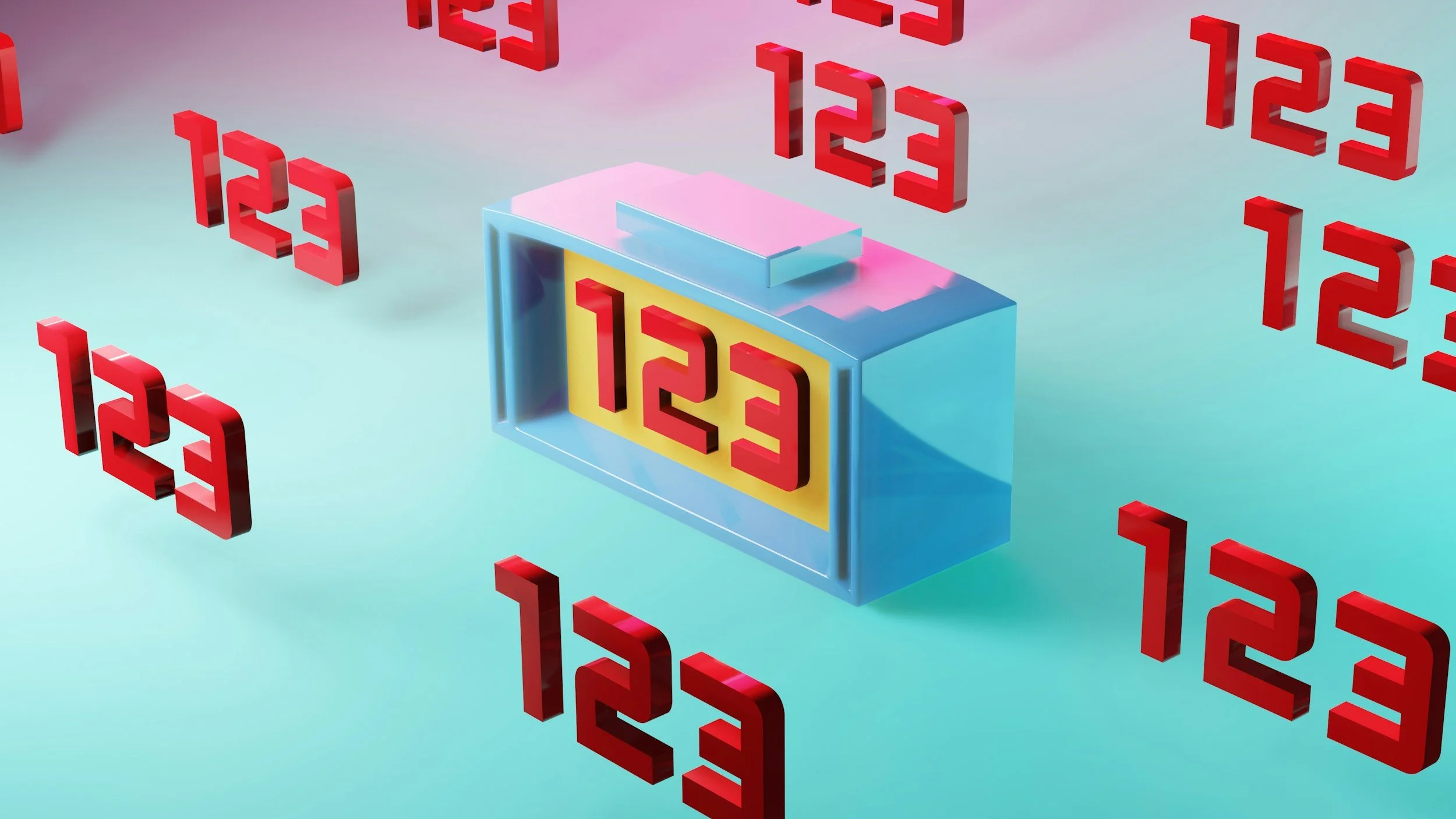
In the quaint, connected community of Raton, NM, just like everywhere else, our lives are increasingly intertwined with digital services. From banking and online shopping to social media and local business portals, every interaction is guarded by a password. Yet, despite constant warnings, "123456," "password," and even "Raton1" remain alarmingly common choices. In an era where data breaches are daily news and cyber threats grow more sophisticated, settling for weak passwords is like leaving your front door unlocked – an open invitation for trouble.
This article delves deep into the art and science of crafting passwords that are not only robust against attack but also surprisingly easy for you to remember.
The Anatomy of a Weak Password: Why Common Choices Fail
Before we build strong passwords, it's crucial to understand why common ones fail:
Dictionary Attacks: Automated tools can rapidly try every word in a dictionary, including common variations and foreign languages. "Password" or "Raton" are instant failures.
Brute-Force Attacks: These tools systematically try every possible combination of characters. The shorter and simpler your password, the faster it can be cracked. "123456" is famously cracked in milliseconds.
Credential Stuffing: When one of your online accounts (say, a less important forum) is breached, cybercriminals take those username/password combinations and "stuff" them into other popular services (email, banking). If you reuse passwords, a single breach compromises everything.
Personal Information: Dates of birth, pet names, family names, or local landmarks (like "RatonPass") are often the first guesses for someone trying to social engineer their way into your account.
The Pillars of a Strong Password
A truly robust password adheres to several key principles:
Length is King (and Queen): The longer your password, the exponentially harder it is to crack via brute force. Aim for a minimum of 12-16 characters, but 20 or more is even better. This is the single most important factor.
Complexity is Crucial (but Smart): Incorporate a mix of:
Uppercase letters (A-Z)
Lowercase letters (a-z)
Numbers (0-9)
Special characters (!@#$%^&*()_+-=[]{};':"|,.<>/?`~)
Unpredictability is Paramount: Avoid obvious patterns, dictionary words, and easily guessable personal information.
Uniqueness is Non-Negotiable: Every single online account should have a different, unique password. Period.
Strategies for Crafting Strong, Memorable Passwords
Now, for the "how-to." Forget random strings of characters you'll instantly forget. These methods leverage human memory in clever ways:
1. The Passphrase Method (The Gold Standard)
This is widely considered the best approach. Instead of a single word, think of a phrase.
How it Works: Choose a sentence or a string of unrelated words that only makes sense to you.
Example 1 (Simple): "My dog loves to chase squirrels in the park!"
Password: Mydogloves2chasesquirrelsinthepark! (28 characters, mixed case, number, special character)
Example 2 (Colexico-inspired): "The Purgatoire River flows past Fishers Peak in Trinidad."
Password: TP_r1verFlowsP@stF1shersPeak!Trinidad (35 characters, mixed case, numbers, special characters, not directly guessable)
Why it's Good: Passphrases are long by nature, can easily incorporate complexity, and are memorable because they form a narrative in your mind.
2. The Acronym Method
Take a memorable sentence, turn it into an acronym, and add complexity.
How it Works: Pick a sentence, use the first letter of each word, and then substitute some letters for numbers/symbols, and add more numbers/symbols at the beginning or end.
Sentence: "I once saw a big black bear near the Spanish Peaks at 7 AM!"
Acronym: IosabbntSPA7am!
Enhanced Password: !IosabbntSPA7am_2025 (19 characters, mixed case, numbers, multiple special characters)
Why it's Good: It's highly personal and can result in very long, complex strings that are easy to recall for you, but gibberish to attackers.
3. The L33t Speak (Leetspeak) Substitution Method (Use with Caution)
This involves replacing letters with numbers or symbols that look similar (e.g., 'A' becomes '@', 'S' becomes '$', 'E' becomes '3'). While once effective, common leetspeak substitutions are now often recognized by cracking tools.
How it Works: Choose a base word or phrase, then make creative, less common substitutions.
Original: "Colorado"
Basic Leetspeak (Weak): C0l0rad0
Advanced Leetspeak (Better): C0|_0R@d0_! (Uses less common substitutions, adds length and special characters)
Why it's Good (with caveats): Can add complexity to a base word, but needs to be combined with other methods for true strength.
4. The "Password Manager" Method (The Safest and Easiest)
Let's be honest: creating and remembering unique, complex passwords for dozens or hundreds of accounts is exhausting. This is where password managers become your greatest ally.
How it Works: A password manager (e.g., LastPass, 1Password, Bitwarden, KeePass) is an encrypted vault that stores all your unique, complex passwords. You only need to remember one strong master password to unlock the vault. The manager can then:
Generate ultra-strong, random passwords for all your new accounts.
Autofill your login credentials on websites and apps.
Alert you if any of your stored passwords have been compromised in a data breach.
Local Tip: Many online security experts recommend using a reputable password manager. It’s the single best thing you can do for your personal cybersecurity inRaton and beyond.
Why it's Good: It removes the burden of memorization, ensures every password is unique and strong, and often includes other security features like two-factor authentication (2FA) integration.
Beyond the Password: Two-Factor Authentication (2FA)
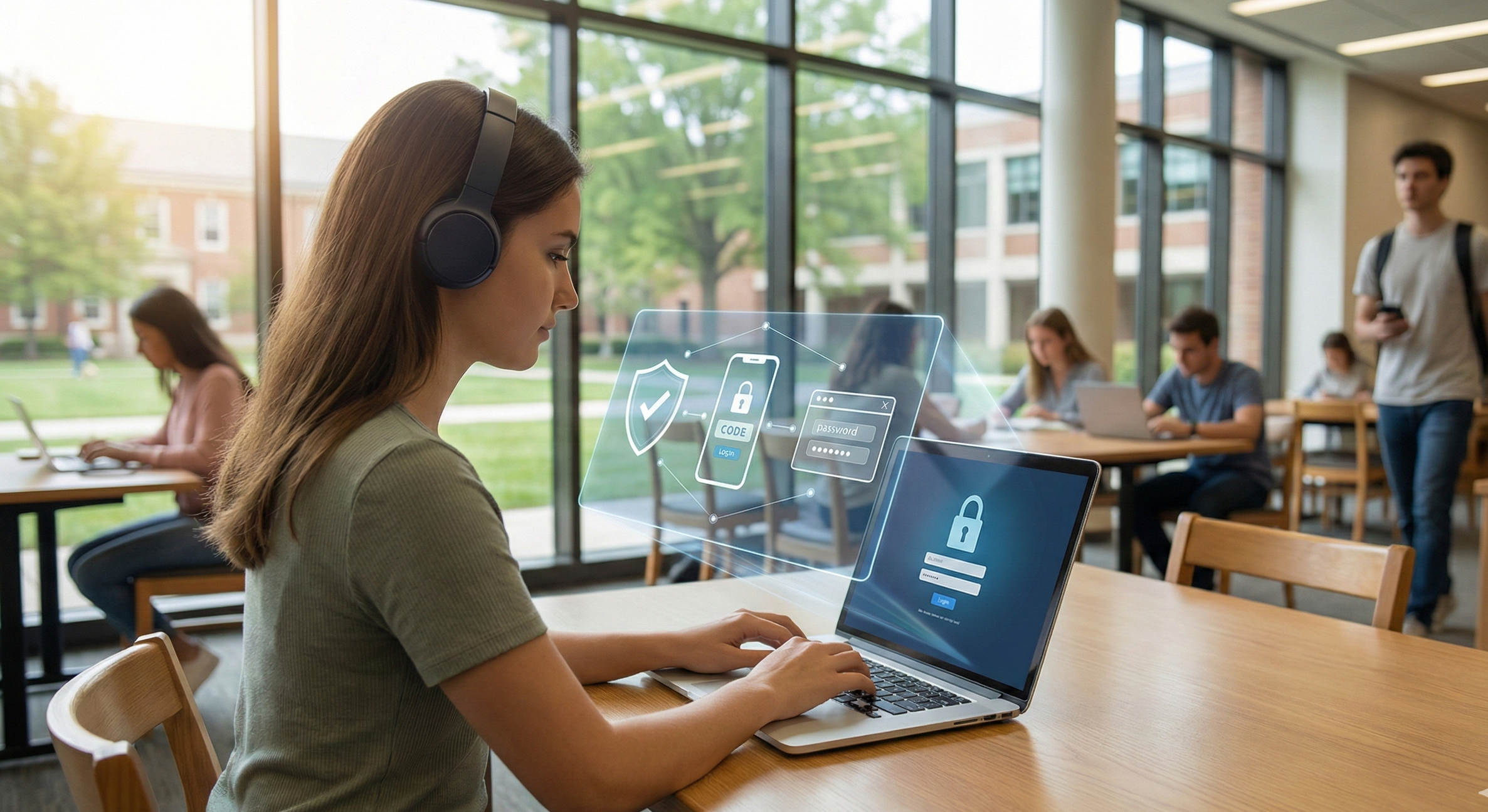
Even the strongest password can theoretically be compromised. This is why Two-Factor Authentication (2FA) (also known as Multi-Factor Authentication or MFA) is your essential second line of defense.
How it Works: After entering your password, 2FA requires a second piece of evidence to verify your identity. This is usually:
Something you have (a code sent to your phone, a physical security key).
Something you are (fingerprint, facial recognition).
Always Enable 2FA: Whenever an online service offers 2FA, enable it immediately. This is especially critical for email accounts, banking, and any service that holds sensitive personal data. If a hacker somehow gets your password, they still won't be able to log in without that second factor.
Maintaining Password Perfection
Regular Audits: Periodically review your passwords, especially if you suspect an account might have been part of a breach. Password managers often include auditing tools.
Stay Informed: Be aware of major data breaches. Websites like Have I Been Pwned? allow you to check if your email address has appeared in known breaches.
Educate Yourself and Others: Share these strategies with family members, friends, and colleagues. A stronger digital community benefits everyone.
In the evolving digital landscape, your passwords are the primary guardians of your online identity and sensitive information. Moving beyond simplistic, easily guessable choices to strong, unique, and memorable passphrases – ideally managed by a robust password manager and fortified with 2FA – is no longer optional. It's a fundamental responsibility in securing your digital life. Take the time today to upgrade your password game; your future self, and your personal data, will thank you.
Local Cyber Security Training
Join the El Raton Media Works' youth Cybersecurity Team at Raton Intermediate School! There are high-paying, in-demand careers in cybersecurity, and this program teaches youth the fundamentals for a national competition in a fun and interactive way.
Students and parents interested in signing up to join the team should visit our website to learn more: www.elratonmediaworks.org/cyber-security.
Program available thanks to the funding of the Encantado Foundation.