

Cybersecurity 101: Your Essential Guide to Staying Safe Online
By ERMW Team
Thursday, August 14, 2025
In our increasingly connected world, going online is as common as breathing. From banking and shopping to social media and remote work, our lives are deeply intertwined with the internet. But just as we lock our doors and secure our valuables in the physical world, we need to take similar precautions in the digital realm. This is where cybersecurity comes in.
Cybersecurity might sound like a complex, tech-heavy topic reserved for IT professionals, but at its core, it's about protecting yourself and your information from digital threats. Think of it as your digital self-defense. And the good news is, you don't need to be a tech wizard to practice good cybersecurity. A few fundamental steps can make a world of difference.
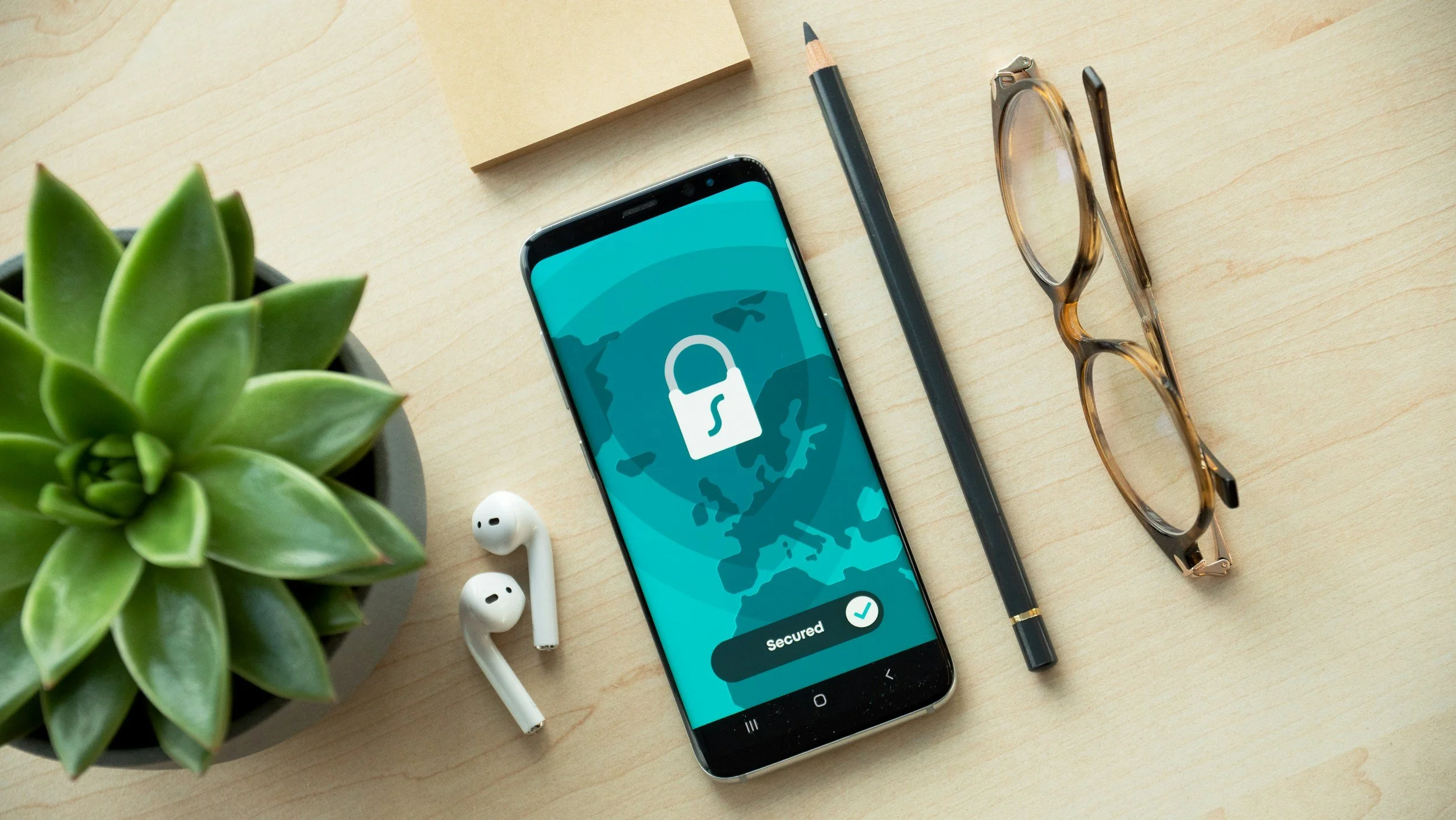
Why is Cybersecurity So Important for YOU?
You might think, "I'm just an average person, who would want to hack me?" The truth is, cybercriminals aren't always targeting high-profile corporations. They're often looking for easy targets, and that could be anyone with an internet connection.
Here's what they're after:
Your Personal Information: Names, addresses, phone numbers, birthdates – this data can be used for identity theft.
Your Financial Details: Bank account numbers, credit card information – perfect for fraudulent purchases.
Your Passwords: Access to your email, social media, and other online accounts.
Your Devices: They might want to use your computer or phone to launch further attacks or mine cryptocurrency without your knowledge.
Your Reputation: Spreading misinformation or accessing your accounts to send malicious links to your contacts.
The consequences of a cyberattack can range from minor inconvenience to significant financial loss and emotional distress.
Cybersecurity 101: The Core Principles
Let's break down the essential steps you can take to bolster your online security.
1. Strong, Unique Passwords Are Your First Line of Defense
This is perhaps the most critical and often overlooked aspect of cybersecurity.
Length is Key: Aim for passwords that are at least 12-16 characters long. The longer, the better.
Mix it Up: Combine uppercase and lowercase letters, numbers, and symbols. Avoid predictable sequences or common dictionary words.
Uniqueness Matters: Never reuse passwords across different accounts. If one account is compromised, all others using the same password become vulnerable.
Consider a Password Manager: These tools encrypt and store all your passwords securely, allowing you to use complex, unique passwords for every site without having to remember them all. Popular options include LastPass, 1Password, and Bitwarden.
2. Embrace Multi-Factor Authentication (MFA)
MFA, sometimes called two-factor authentication (2FA), adds an extra layer of security beyond just a password. Even if a hacker cracks your password, they'll still need this second piece of information to gain access.
How it Works: After entering your password, you'll be prompted for a second verification, often a code sent to your phone, a fingerprint scan, or a confirmation through an authenticator app.
Enable it Everywhere: Whenever MFA is an option (email, social media, banking, shopping sites), turn it on! It's one of the most effective ways to prevent unauthorized access.
3. Be Wary of Phishing Attempts
Phishing is a deceptive tactic where cybercriminals try to trick you into revealing sensitive information by impersonating legitimate entities (banks, government agencies, popular companies, or even friends).
Spot the Red Flags:
Suspicious Sender: Does the email address look legitimate?
Urgent or Threatening Language: "Your account will be suspended!" or "Act now or lose access!"
Generic Greetings: "Dear Customer" instead of your name.
Poor Grammar and Spelling: A tell-tale sign of a scam.
Links that Don't Match: Hover over links (don't click!) to see the actual destination URL. If it doesn't match the company's official website, it's likely a scam.
When in Doubt, Don't Click: If you receive a suspicious email or message, go directly to the official website of the company or service in question by typing their URL into your browser.
4. Keep Your Software Updated
Software updates aren't just about new features; they often include critical security patches that fix vulnerabilities hackers could exploit.
Operating Systems: Ensure your computer (Windows, macOS) and phone (iOS, Android) operating systems are set to update automatically or check for updates regularly.
Applications: Keep your web browsers, antivirus software, and other frequently used applications up to date.
5. Use Antivirus and Anti-Malware Software
While not a complete solution, good antivirus software provides an essential layer of protection against viruses, ransomware, spyware, and other malicious programs (malware).
Install and Maintain: Choose a reputable antivirus solution (e.g., Avast, AVG, Bitdefender, Norton, McAfee) and ensure it's always running and up to date.
Regular Scans: Perform full system scans periodically.
6. Be Cautious on Public Wi-Fi
Public Wi-Fi networks (cafes, airports, hotels) are convenient but often unsecured, making them a playground for cybercriminals who can "eavesdrop" on your data.
Avoid Sensitive Transactions: Refrain from online banking, shopping, or accessing confidential information when on public Wi-Fi.
Use a VPN: A Virtual Private Network (VPN) encrypts your internet connection, creating a secure tunnel for your data even on unsecured networks.
7. Back Up Your Data
In the event of a ransomware attack (where your files are encrypted and held for ransom) or a system failure, having a recent backup can be a lifesaver.
Regularly Back Up: Use external hard drives or cloud storage services (Google Drive, Dropbox, iCloud) to back up your important documents, photos, and files.
Test Your Backups: Occasionally, verify that your backups are working and that you can restore your data.
Staying Vigilant in the Digital Age
Cybersecurity isn't a one-time setup; it's an ongoing process. The digital landscape is constantly evolving, with new threats emerging regularly. By understanding these fundamental principles and incorporating them into your daily online habits, you can significantly reduce your risk of becoming a victim of cybercrime.
Your online safety is primarily in your hands. Take these steps, stay informed, and browse the internet with confidence and peace of mind.
Local Cyber Security Training
Join the El Raton Media Works' youth Cybersecurity Team at Raton Intermediate School! There are high-paying, in-demand careers in cybersecurity, and this program teaches youth the fundamentals for a national competition in a fun and interactive way.
Students and parents interested in signing up to join the team should visit our website to learn more: www.elratonmediaworks.org/cyber-security.
Program available thanks to the funding of the Encantado Foundation.








May 1, 2025
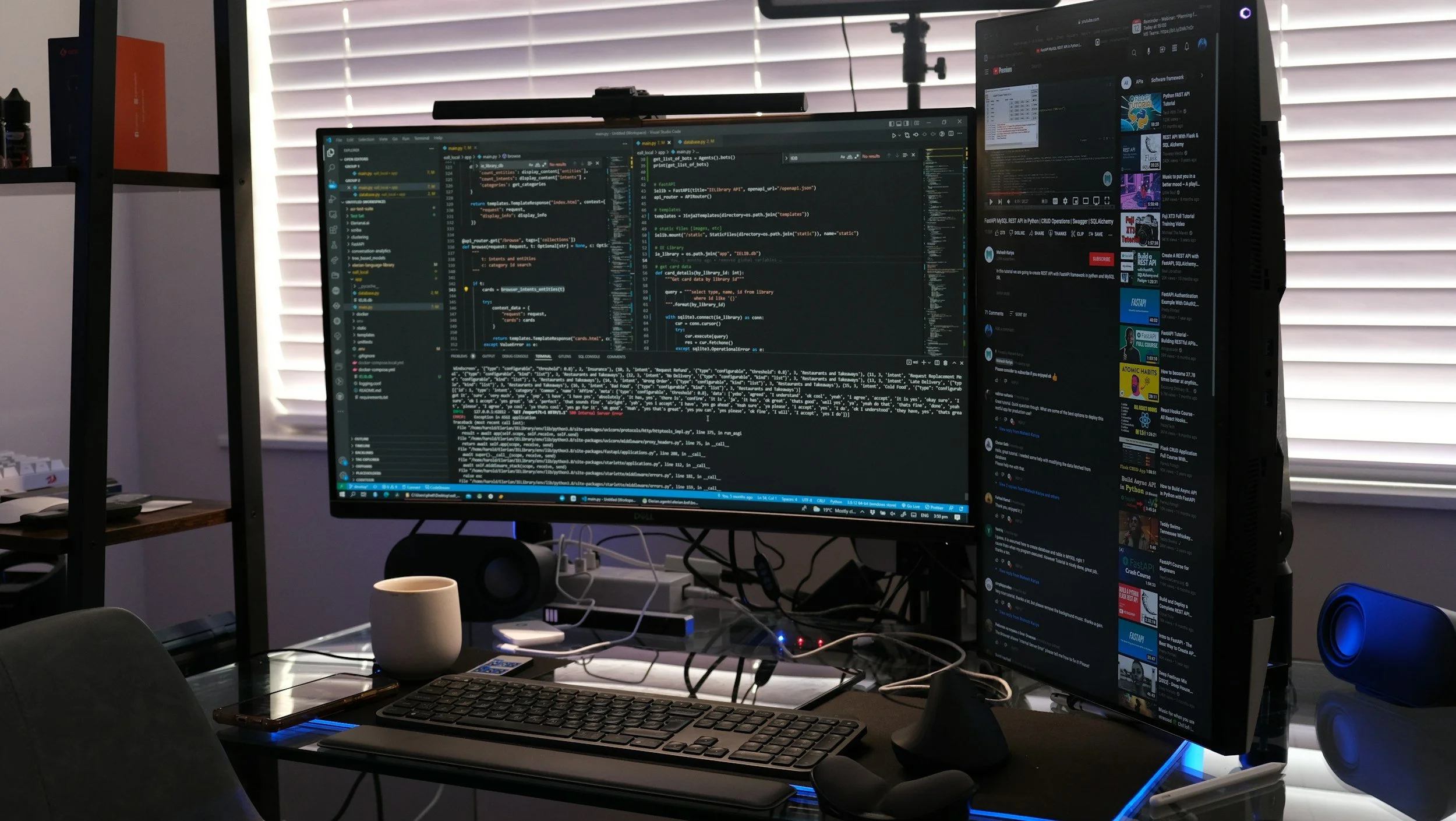
Code, the language of computers, has become an invisible yet indispensable force shaping nearly every facet of our lives. From the moment we wake up to the ping of our alarm clock to the complex algorithms driving self-driving cars, code is the silent engine propelling our modern world forward. While often hidden from view, its impact is profound and constantly expanding.