How to Build an Advanced App with Claude
By ERMW Team
Thursday, September 9, 2026
Most people's first encounter with Claude is a single prompt and a single reply. But the interesting apps — the ones that research, plan, call tools, write code, and check their own work — are built differently. They treat Claude less like a text-completion box and more like a reasoning engine wired into a loop: gather context, decide, act, observe, repeat.
Here's a practical guide to building that kind of app, from picking the right building block to designing the agentic loop itself.
1. Pick the right building block
Before writing any code, decide which layer of the Claude stack you actually need. Anthropic offers a few distinct surfaces, and picking the wrong one is the most common source of wasted effort.
Claude API (Messages API) — the rawest layer. You send messages to POST /v1/messages, get back text and/or tool-use blocks, and you own the loop: conversation state, tool execution, retries, everything. This is the right choice when you want full control over architecture, latency, and cost.
Claude Managed Agents / Agent SDK — a step up in abstraction: Anthropic runs the agent loop for you in stateful sessions with persistent event history, so you don't have to hand-roll orchestration. Good for long-running or autonomous agents where you'd otherwise be reimplementing the same loop logic.
Claude Code — an agentic coding tool for delegating actual software engineering tasks (writing, debugging, refactoring) from the terminal, IDE, or desktop app. If your "app" is really an internal engineering workflow, this may already do most of what you want without custom API code.
A simple rule of thumb: if you're building a customer-facing product with its own UI, you want the Messages API (possibly with Managed Agents underneath). If you're automating your own dev workflow, start with Claude Code instead of reinventing it.
2. Understand the primitives that make an app "advanced"
An advanced app usually isn't doing anything exotic — it's just combining a few core primitives well.
Tool use (function calling). You define tools with a name, description, and JSON schema; Claude decides when to call them and with what arguments, and you execute the call and return the result. This is the mechanism behind everything from "look up the weather" to "query our internal database" to "edit this file." The quality of your tool descriptions matters as much as your prompt — Claude can only use a tool as well as it understands what the tool does and when it's appropriate.
The agentic loop. An advanced app rarely calls Claude once. It runs a loop: send messages → Claude responds with reasoning and/or a tool call → your code executes the tool → the result is appended to the conversation → send again. The loop ends when Claude produces a final answer with no further tool calls. Most of your engineering effort goes into making this loop robust — handling tool errors gracefully, capping the number of iterations, and deciding when to hand control back to the user.
Model Context Protocol (MCP). Instead of writing a bespoke integration for every external system (Google Drive, Slack, a ticketing system, your own internal APIs), MCP gives you a standard protocol for exposing tools and data sources to Claude. If you're integrating with several external services, building or connecting to MCP servers is usually less work than writing one-off tool integrations for each.
Extended thinking. For tasks that require multi-step reasoning — planning, math, debugging — Claude can be given a thinking budget to reason before producing its final answer. This tends to improve reliability on hard problems at the cost of latency and tokens, so it's worth reserving for the parts of your app that actually need it rather than turning it on everywhere by default.
Structured output. For anything downstream code needs to parse (routing a request, populating a UI, driving another API call), have Claude return JSON against a schema you define, rather than free text you regex out of a paragraph.
Prompt caching and batching. If your app repeatedly sends similar context (a long system prompt, a fixed set of documents, tool definitions), prompt caching cuts cost and latency on repeated calls. For non-interactive workloads — bulk classification, large-scale content generation — the Message Batches API processes requests asynchronously at a meaningful cost reduction versus synchronous calls.
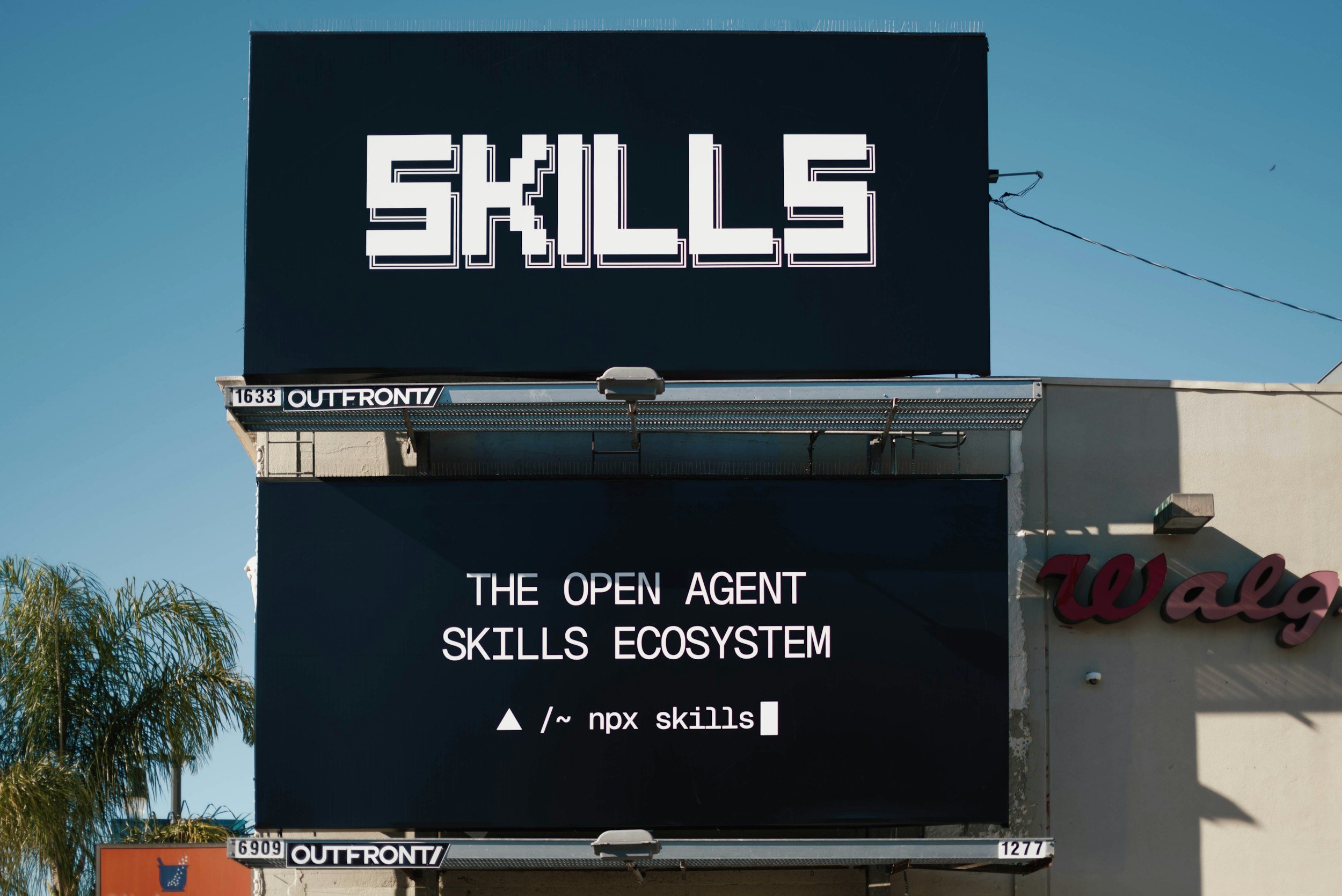
Agent Skills. For recurring, well-defined tasks (a house style for documents, a team's review checklist, a domain-specific workflow), packaging the instructions as a reusable skill means Claude doesn't have to be re-taught the same procedure in every conversation.
3. Design for reliability, not just capability
The gap between a demo and a production app is almost always reliability engineering, not model capability. A few things that matter in practice:
Bound the loop. Set a maximum number of tool-call iterations and a fallback behavior (ask the user, return a partial answer) if the agent hasn't converged.
Validate tool inputs and outputs. Claude will occasionally call a tool with malformed arguments or misinterpret a tool's result. Validate both directions and return clear error messages Claude can act on — a good error message often lets the agent self-correct on the next turn.
Keep tools narrow and composable. A tool that does one thing well is easier for Claude to use correctly than one tool with a dozen optional parameters covering five different use cases.
Log the full transcript. Every intermediate reasoning step and tool call is worth logging during development. Most bugs in agentic apps are debugged by reading the trace, not by staring at the final output.
Decide where humans stay in the loop. For actions with real-world side effects — sending an email, charging a card, deleting a file — build in a confirmation step rather than letting the agent act autonomously, at least until you've built confidence in its judgment for that specific action.
4. Choose a model deliberately
Anthropic's models trade off speed, cost, and depth of reasoning differently, and an advanced app often uses more than one — a fast, cheap model for routing or simple steps, and a more capable model for the steps that need deep reasoning. Because model names and capabilities change over time, check the current model list and their intended use cases in the docs rather than relying on older information when you're deciding which model to route each part of your app to.
5. Test like it's a system, not a prompt
Prompt-only testing ("does this response look good?") isn't sufficient for an agentic app, because the interesting failures happen in the loop: a tool called with the wrong arguments three turns in, a misread error message, a plan that drifts once the context grows. Build a small evaluation set of realistic tasks, run them end-to-end through the actual agent loop, and track success rate over time as you change prompts, tools, or models — not just single-turn output quality.
6. Ship, then tighten the loop
Once the core loop works, the highest-leverage next steps are usually:
Tightening tool descriptions and schemas based on real failure cases, not hypothetical ones.
Adding caching where the same context repeats across calls.
Splitting one overloaded tool into several narrower ones, or vice versa, based on how the agent actually uses them.
Moving cost-sensitive or high-volume steps to a cheaper model, and reserving your most capable model for the steps that actually need it.
None of this requires exotic technique. An advanced Claude app is, in the end, a well-designed loop around a few clear tools, running on the right model for each step, with enough logging that you can see what it's actually doing.